
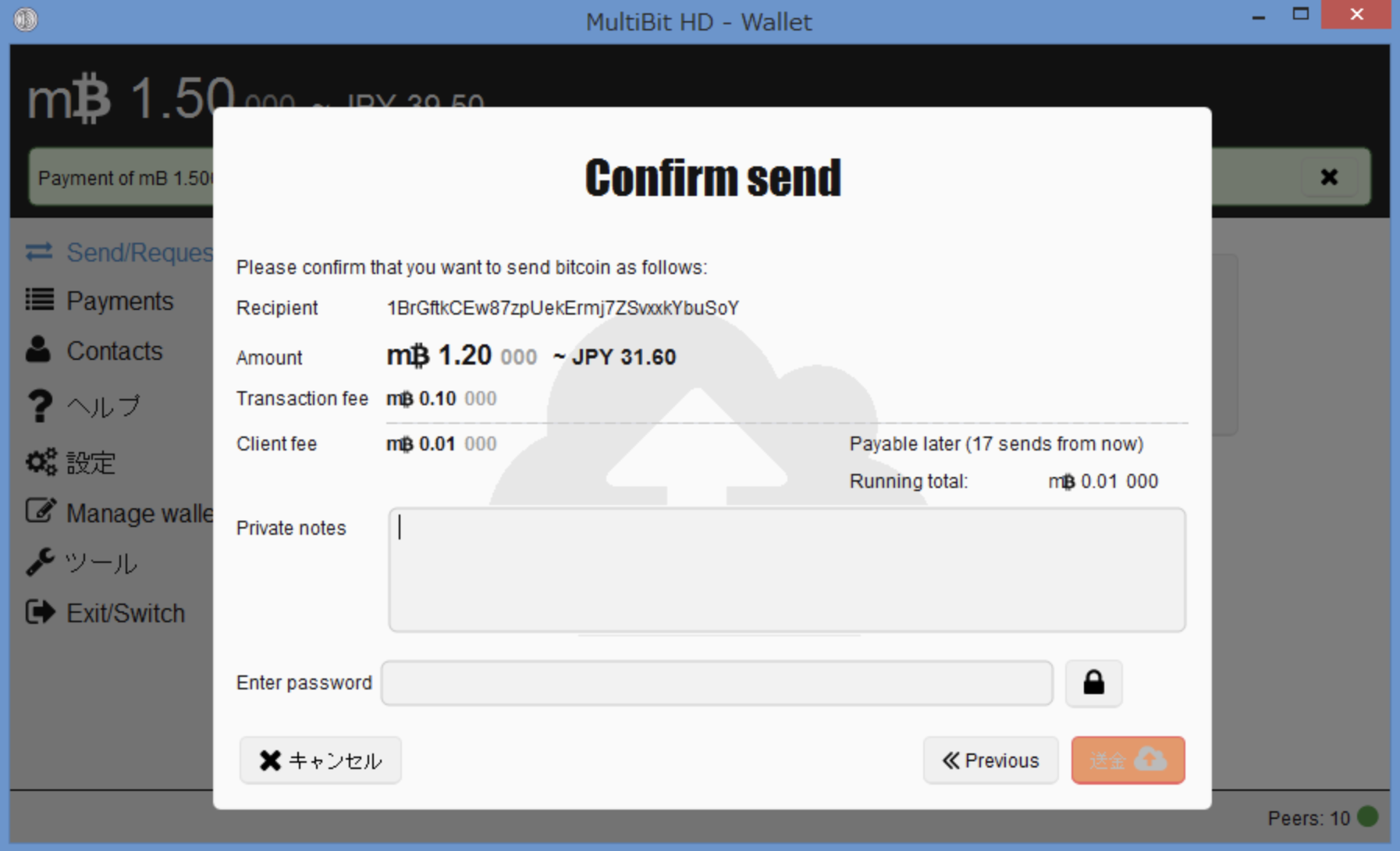
An old MultiBit HD wallet may be recoverable when sufficient wallet words or intact encrypted wallet data survive. A public address alone cannot reconstruct its private keys. Start by preserving the complete backup set.
1. Preserve the original evidence
Copy the old application data directory and external backups before opening the wallet. Keep filenames, dates and version information. Do not overwrite the only copy with a newly created wallet.
Identify the backup before choosing a recovery method
mbhd.wallet.aes: the primary encrypted HD wallet.rolling-backup/*.wallet.aes: timestamped encrypted wallet snapshots.zip-backup/*.zip.aes: encrypted directory archives that can preserve additional application data.
For the documented software-wallet backup process, the primary wallet and rolling snapshots use password-based encryption; ZIP archives use a backup key derived from wallet words. An application password and wallet words are different recovery inputs. A file extension is a clue, not proof of its contents. A generic wallet.aes.json recipe is not a description of the MultiBit HD primary wallet format.
2. Choose the route your material supports
Complete wallet words can support reconstruction of the original wallet. An intact primary wallet or rolling snapshot can support password-based assessment. An encrypted ZIP backup needs its own archive/backup-key handling. These routes are related but not interchangeable.
Wallet words, password and restoration
Preserve the original words in their written order and record the original version if known. Do not identify a wallet solely by word count or assume that every HD wallet has a 13- or 18-word phrase. Keep any wallet date record: it helps choose a synchronization start point, but is not a replacement for the words.
The application password protects local wallet data. It should not automatically be entered into a modern recovery tool’s seed-passphrase field. The reviewed software-wallet creation methods use an empty seed passphrase; hardware-related and historical cases require separate identification.
The source distinguishes a BIP32 software wallet, an older beta implementation and hardware-related types. For the BIP32 software type, the source records the first receiving address at m/0'/0/0; this is not a universal recipe for every version. Verify a previously known address, receiving and change branches, and the search range before treating a zero balance as a failed recovery.
3. Verify before moving funds
Compare derived addresses with a receiving address recorded before recovery. Check transaction history, relevant branches and synchronization settings. A wallet interface accepting words or displaying an empty account does not prove that you restored the intended wallet.
4. Use format-aware tools
Do not apply a generic OpenSSL AES-CBC command and expect readable JSON private keys. Select a tool that explicitly supports the identified HD format and version, and test the method on non-sensitive sample data first. Do not upload wallet words to an online converter. If usable material is missing or the unknown password has no practical search space, recovery may be infeasible.
Documentation and further reading
- HD primary wallet, rolling backups and ZIP backups
- Wallet words and verification
- Wallet types, paths and the beta exception
- Original MultiBit HD source at the reviewed revision
Need help with recovery?
Email mail@keychainx.io with the wallet type, approximate date, backup extensions and error message. Describe the problem first; do not send passwords, wallet words, private keys or wallet files in an initial message. KeychainX can assess a wallet you own or are legally authorized to recover. Recovery is not guaranteed.
Technical review: 7 October 2026. Recovery depends on the surviving material and the original wallet version.