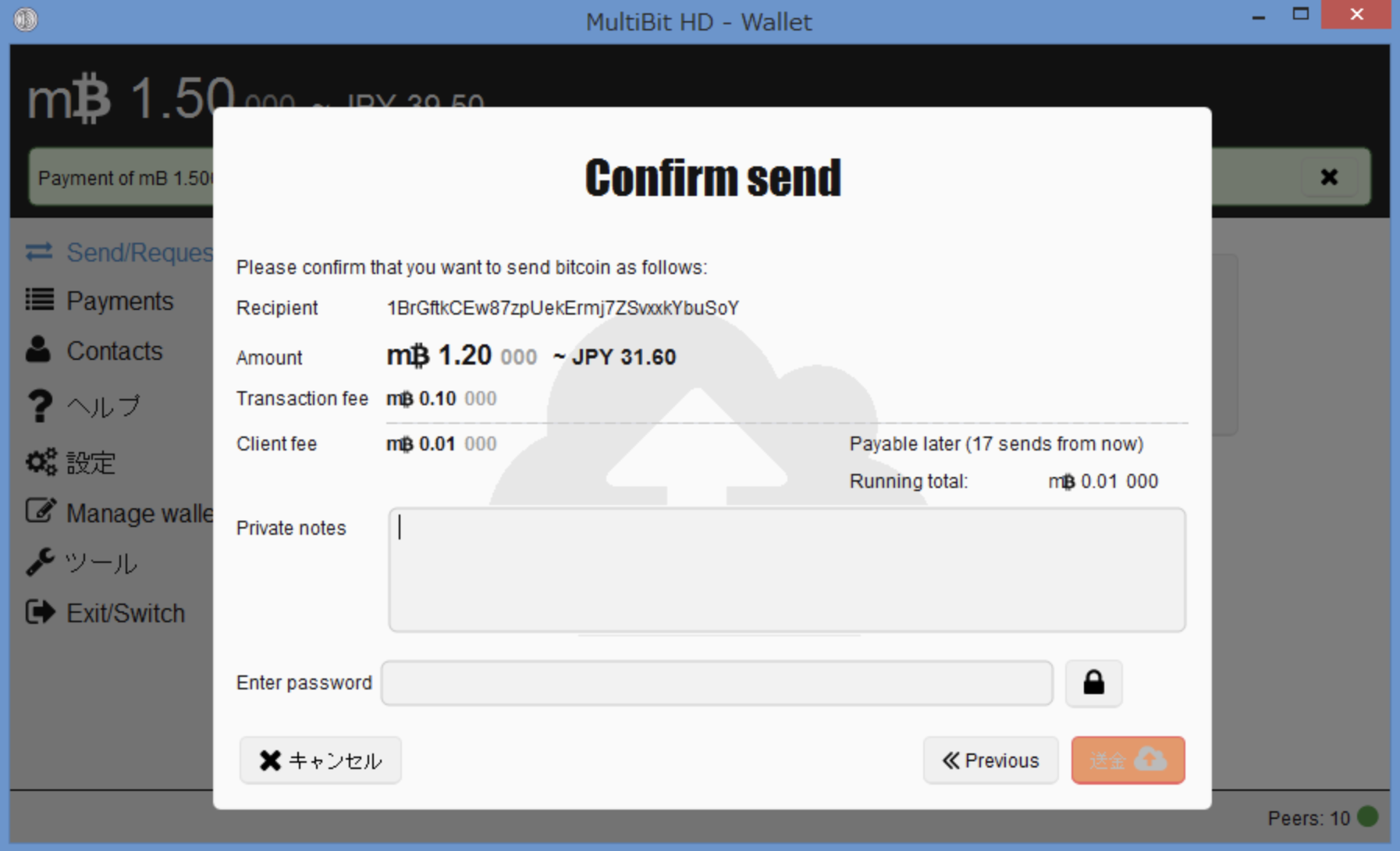
guy is trying to crack the password to multibit hd wallet

Multibit HD Wallet Password Recovering

Cracking Your MultiBit HD Password with BTCRecover

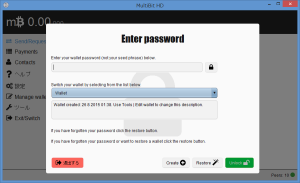
So, you’ve got an old MultiBit HD wallet with Bitcoin trapped inside, but the password? Long gone. The good news: you’re not out of options. The bad news: this won’t be as easy as clicking “Forgot Password.”

MultiBit HD is dead and unsupported, and because it used AES-encrypted wallet files, their is a way to break back in is by brute force or dictionary attacks. That’s where BTCRecover or other recovery tools comes in. If you’re comfortable with command-line tools, you’ve got a shot at getting your coins back.
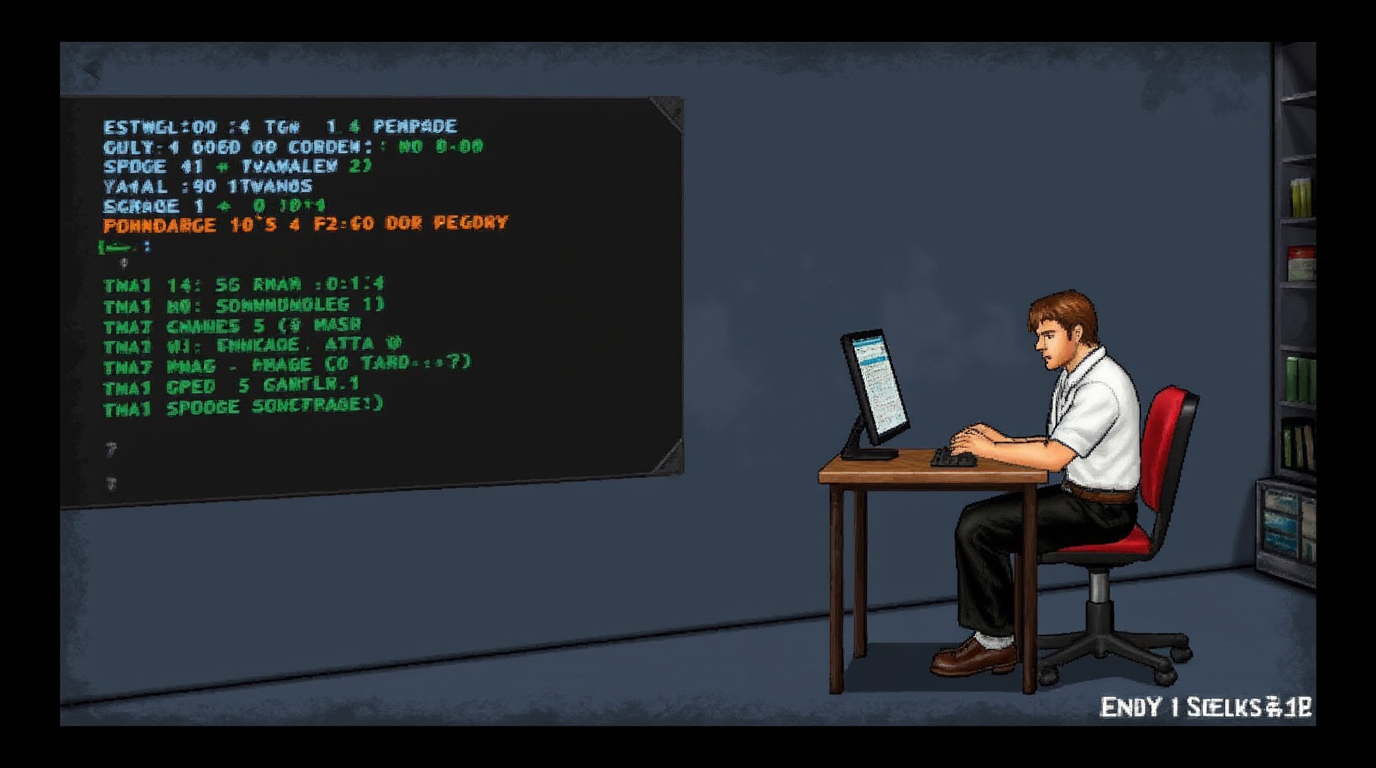
guy is trying to crack the password to multibit hd wallet

Step 1: Get Your Tools Ready To Recover Multibit HD

First, you’ll need:

Python 3 installed – BTCRecover is a Python script, so grab the latest version from Python.org.
BTCRecover itself – Download it from GitHub or clone it directly:

git clone https://github.com/gurnec/btcrecover.git

Your MultiBit HD wallet file – Usually found in these locations:

  • Windows: C:\Users\YourUsername\AppData\Local\MultiBitHD\mbhd-datastore\
  • Mac: ~/Library/Application Support/MultiBitHD/mbhd-datastore/
  • Linux: ~/.multibithd/mbhd-datastore/
    Look for wallet.aes.json or wallet.zip.aes. If you don’t have this file, stop now—this method won’t work.

Step 2: Build Your Password List

Let’s be real—if you knew your password, you wouldn’t be here. But you probably have an idea of what it could be.

🔥 Create a text file (passwords.txt) with potential passwords
Think of old passwords, variations, and typos. If your usual password was Pass123, add things like:

Pass123  
Pass1234  
Pa$word123  
password111  

🚀 More advanced? Use a pattern-based attack with token files
If you remember a structure but not the exact password, BTCRecover lets you define rules:

[lower] [digits] [special]

This tells the tool to try every possible password that matches your structure.

Step 3: Run BTCRecover and Start Cracking Multibit HD Password

Navigate to the BTCRecover directory in Terminal (Mac/Linux) or Command Prompt (Windows). Run:

python3 btcrecover.py --wallet wallet.aes.json --passwordlist passwords.txt

What happens next?
BTCRecover will test each password, decrypting your wallet if it finds a match.

If your password isn’t on the list? You’ll need a different approach:

  1. Hire a pro recovery service – If BTCRecover fails, specialized recovery services might still be able to help.

Step 4: Get Your Bitcoin Out From Multibit HD

Once you have your password, open Electrum or another modern wallet. Import your MultiBit HD wallet and immediately move your funds—MultiBit is obsolete and insecure.

Act Fast, Think Smart

  • Do NOT run recovery tools on an online system. Keep your wallet file offline.
  • Make backups before trying anything. You don’t want to corrupt your wallet.
  • If you’re stuck, seek help. BitcoinTalk, r/Bitcoin, or a trusted recovery service can assist.

Cracking a MultiBit HD password isn’t impossible—but it takes patience, a bit of technical skill, and maybe a little luck. 🚀

multibit hd faq

FAQ – Multibit HD Recovery

What if I forgot my password?

First, check old notes, password managers, or any saved files where you might have written it down. If you have your 13- or 18-word mnemonic phrase, you can bypass the password entirely by restoring your wallet in Electrum or Sparrow (with a custom derivation path

How do I recover my MultiBit wallet if I don’t have the seed phrase?

No seed phrase? Things just got trickier, but there’s still hope. If you have your wallet file (wallet.aes.json or wallet.zip.aes), you can try decrypting it using your password. If you forgot the password too, you’ll need to brute-force it with tools like BTCRecover, hashcat or others.

What are the risks of using old MultiBit HD software?

It’s a bad idea. MultiBit HD was abandoned in 2017, meaning no security updates, no bug fixes, and no support. Running it today exposes you to major risks, including:

  • Malware & exploits – Unpatched vulnerabilities could let hackers steal your keys.
  • Potential Sync failures – MultiBit HD relies on servers that no longer exist, meaning transactions can get stuck or fail entirely.
  • No SegWit support – You can’t send Bitcoin to SegWit addresses, making it even more outdated.

How do I manually extract private keys from a MultiBit HD wallet?

Here is our detailed article about how to extract private keys from a Multibit HD wallet
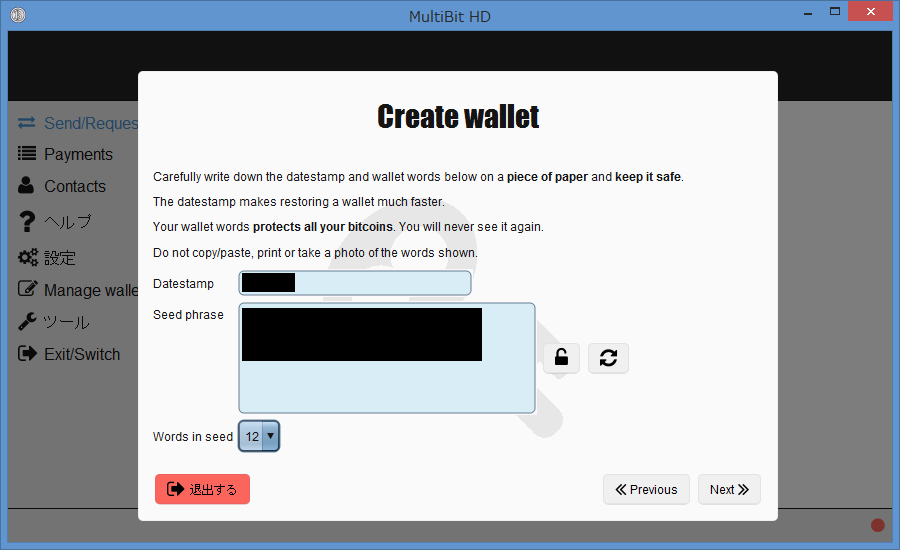
multibit hd mnemonic words

MultiBit Classic vs MultiBit HD

MultiBit Classic vs MultiBit HD: What’s the Difference?

MultiBit was one of the earliest Bitcoin wallets, but over time, it evolved into two distinct versions: MultiBit Classic and MultiBit HD. While both served the same purpose—storing and managing Bitcoin—they had differences in design, security, and recovery mechanisms.

1. Wallet Type & Structure

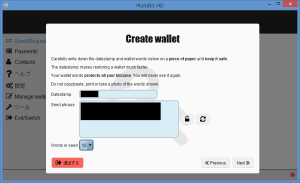
multibit hd software wallet creating

  • MultiBit Classic → A simple “key pair” wallet, meaning it stored individual private keys for each address. There was no hierarchical structure—each key had to be backed up separately.
  • MultiBit HD → A hierarchical deterministic (HD) wallet using a single mnemonic seed phrase to generate an unlimited number of addresses. This made it easier to back up and restore.

2. Mnemonic & Recovery

multibit hd mnemonic words

  • MultiBit Classic → No mnemonic phrase. Wallets were backed up via .wallet or .key files. If you lost the private key file, recovery was almost impossible.
  • MultiBit HD → Used a 13-, 14-, 15-, or 18-word mnemonic phrase to recover the entire wallet, making it more secure and user-friendly.

3. Backup File Formats

  • MultiBit Classic: .wallet or .key files, which stored raw private keys in an AES-encrypted format.
  • MultiBit HD: .wallet, .zip.aes, and .aes.json files, which stored the entire wallet state in an encrypted format.

4. Compatibility with Other Wallets

  • MultiBit Classic: Could be recovered by manually extracting private keys and importing them into another wallet like Electrum.
  • MultiBit HD: Used a non-standard derivation path, making it partially incompatible with modern wallets. When restoring a MultiBit HD seed in Electrum, users must manually adjust the derivation path.

5. Development & Support

  • MultiBit Classic was eventually phased out in favor of MultiBit HD.
  • MultiBit HD was developed further but discontinued in 2017, when KeepKey (its then-owner) stopped maintaining it.

6. Security & Vulnerabilities

  • MultiBit Classic: Lacked modern security features like deterministic key generation and better encryption. Losing the private keys meant losing access forever.
  • MultiBit HD: Introduced better security with mnemonic recovery, but due to software bugs and lack of support, it still had issues.

7. Which One Should You Recover?

multibit hd password recovery

If you’re trying to recover an old MultiBit wallet, knowing whether it’s Classic or HD is crucial:

  • If you only have a .wallet or .key file, it’s MultiBit Classic → Extract private keys manually.
  • If you have a mnemonic seed (13-18 words), it’s MultiBit HD → Import it into a compatible wallet (Electrum, but with a custom derivation path).
  • If you have .zip.aes or .aes.json files, it’s MultiBit HD → You need to decrypt them first.

Multibit HD Retirement

MultiBit Classic was simple but outdated and harder to recover. MultiBit HD improved usability with mnemonic phrases but had compatibility issues. Since both wallets are now obsolete, the best is to recover your funds and transfer them to a modern wallet like Electrum or other wallet.

FAQ MULTIBIT HD

How do I manually extract private keys from a MultiBit HD wallet?

Here is our detailed article about how to extract private keys from a Multibit HD wallet
multibit hd private keys importing

Extracting Private Keys from MultiBit HD


Extracting Private Keys from MultiBit HD: How to Rescue Your Bitcoin

If you’ve got an old MultiBit HD wallet but can’t use the software anymore, your Bitcoin isn’t lost yet. You just need to extract your private keys, convert them into a usable format, and import them into a modern wallet. Here’s how to do it step by step.

1. Manually Export Private Keys from the Wallet File

multibit hd private keys importing

First, you need to decrypt your MultiBit HD wallet file to access the private keys.

Where to find the wallet files:

  • Windows: C:\Users\YourUsername\AppData\Local\MultiBitHD\mbhd-datastore\
  • Mac: ~/Library/Application Support/MultiBitHD/mbhd-datastore/
  • Linux: ~/.multibithd/mbhd-datastore/

Look for files like:

  • wallet.aes.json (encrypted JSON backup)
  • wallet.zip.aes (encrypted ZIP archive)

Since these files are AES-encrypted, you’ll need your wallet password to decrypt them. If you don’t have the password, you may need to attempt password recovery using brute-force tools like Hashcat.

To decrypt, use OpenSSL:

openssl enc -d -aes-256-cbc -in wallet.aes.json -out decrypted-wallet.json

Now, you should have a readable JSON file containing private keys.

2. Convert Private Keys to WIF Format

Once you extract the private keys, they will likely be in raw hexadecimal format, which most modern wallets don’t support. You need to convert them into Wallet Import Format (WIF).

Use a tool like Bitcoin Core’s bitcoin-cli, an offline converter, or a simple Python script:

from bitcoin import encode_privkey
hex_key = "your_hex_private_key_here"
wif_key = encode_privkey(hex_key, 'wif')
print(wif_key)

Now, you have a WIF private key that can be imported into wallets like Electrum

3. Sweep Private Keys into a New Wallet

To regain access to your Bitcoin, import the WIF private key into a new wallet.

Using Electrum:

  1. Open Electrum and create a new wallet.
  2. Select “Import Bitcoin Addresses or Private Keys.”
  3. Paste your WIF-formatted private key.
  4. Your balance should appear—now move your Bitcoin to a new, safer wallet.

Why sweep instead of import?
Sweeping sends your funds to a new address, ensuring that even if your old private key was compromised, your BTC stays safe.

Get Your Bitcoins Out Now

MultiBit HD is no longer maintained and has known security issues. If you still have BTC in an old MultiBit HD wallet, extract your private keys, move your funds.

Need more help? Check our articles or knowledge center


Multibit HD Bitcoin Wallet FAQ


How do I recover my MultiBit wallet if I don’t have the seed phrase?

No seed phrase? Things just got trickier, but there’s still hope. If you have your wallet file (wallet.aes.json or wallet.zip.aes), you can try decrypting it using your password. If you forgot the password too, you’ll need to brute-force it with tools like BTCRecover, hashcat or others. For entire tutorial check Multibit HD Wallet Password Recovery

multibit hd wallet during process of recovery

Recover your Old Multibit HD Wallet – Recommended Methods


A) Recover Using the Multibit HD Mnemonic (Recommended Method)

If you wrote down your 13- or 18-word seed phrase, congratulations—you’re in luck. This is the easiest way to restore your wallet.

How to restore using your mnemonic phrase:

  1. Open a modern wallet that supports manual derivation paths (like Electrum or Sparrow Wallet).
  2. Select “Restore from seed” and enter your 13- or 18-word MultiBit HD phrase.
  3. Adjust the derivation path manually, since MultiBit HD doesn’t follow BIP44 standards.
    • Instead of the usual m/44’/0’/0’, MultiBit HD uses m/0’/0.
  4. Once restored, move your Bitcoin to a new wallet immediately for security reasons.

💡 Pro Tip: If your balance isn’t showing up, try different derivation paths manually in Electrum.

B) Recover Using Multbit HD Encrypted Backup Files

multibit hd wallet backup file

If you don’t have the seed phrase, but you saved MultiBit’s encrypted wallet files, you can still recover your funds—just with a bit more effort.

How to restore using a MultiBit HD backup file:

  1. Find your wallet backup file on your computer:
    • Windows: C:\Users\YourUsername\AppData\Local\MultiBitHD\mbhd-datastore\
    • Mac: ~/Library/Application Support/MultiBitHD/mbhd-datastore/
    • Linux: ~/.multibithd/mbhd-datastore/
  2. Look for files like:
    • wallet.aes.json (Encrypted JSON backup)
    • wallet.zip.aes (Encrypted ZIP backup)
  3. Decrypt the backup file using OpenSSL or a wallet recovery tool:
    sh
    openssl enc -d -aes-256-cbc -in wallet.aes.json -out decrypted-wallet.json
  4. Extract the private keys from the decrypted file.
  5. Convert the private keys to WIF format and import them into Electrum or Sparrow Wallet.
  6. Sweep your funds into a modern, secure wallet.

C) Recovering When You Forgot Your Password

If you remember creating a password but have no idea what it was, you have a few options:

How to recover when you forgot your MultiBit HD password:

Check where you usually write down passwords (notes, password managers, old emails).
Try all your usual passwords—especially ones you used around the time you created the wallet.
Keep track of passwords you’ve already tried so you don’t waste time repeating them.
Use password recovery tools:

  • John the Ripper (command-line brute-force tool)
  • Hashcat (GPU-based password cracking)
  • BTCrecover

Multibit HD Knowledge Center

Multibit HD Wallet Password Recovering

MultiBit Classic vs MultiBit HD

Extracting Private Keys from MultiBit HD